Website Feedback, Pinned Right Where It Belongs.
Clients, designers and QA click any element on your live site to leave a comment. ClientTweak saves a screenshot of what they saw, so your team knows exactly what to fix.

Turns feedback into work in the tools your team already uses
- Loom
- Jira
- Asana
- ClickUp
- Trello
Everything a review needs,
on the page itself
Pinned Comments
Click any element to drop a pin. It sticks to the HTML element, not a screen position, so it stays put when the layout changes.

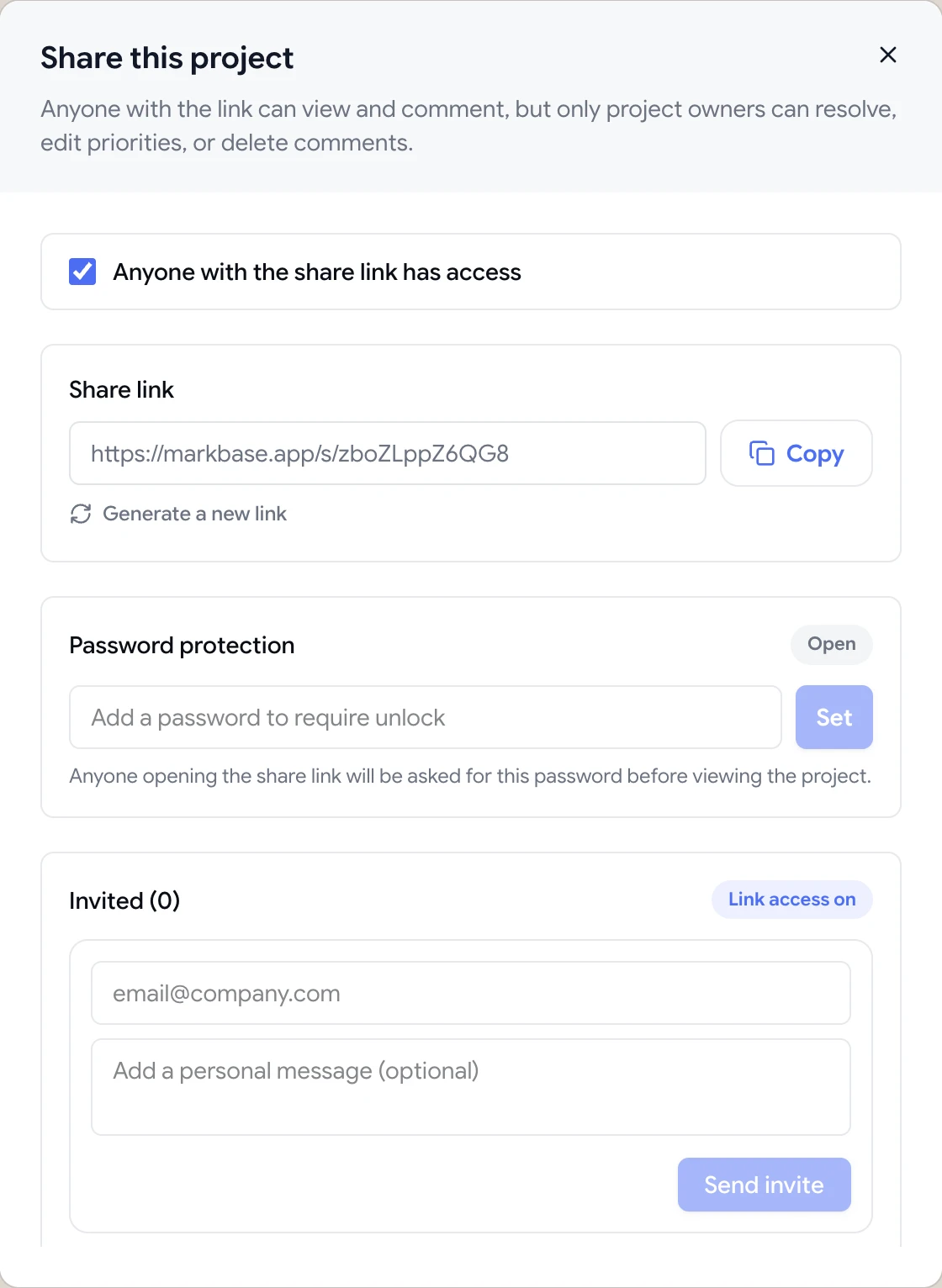
Guest Review Links
Share one link. Clients comment as guests: no account, no browser extension, nothing to install.
Every Screen Size
Switch between desktop, tablet and phone previews. Every pin also saves a screenshot of what the reviewer saw and the viewport it came from.

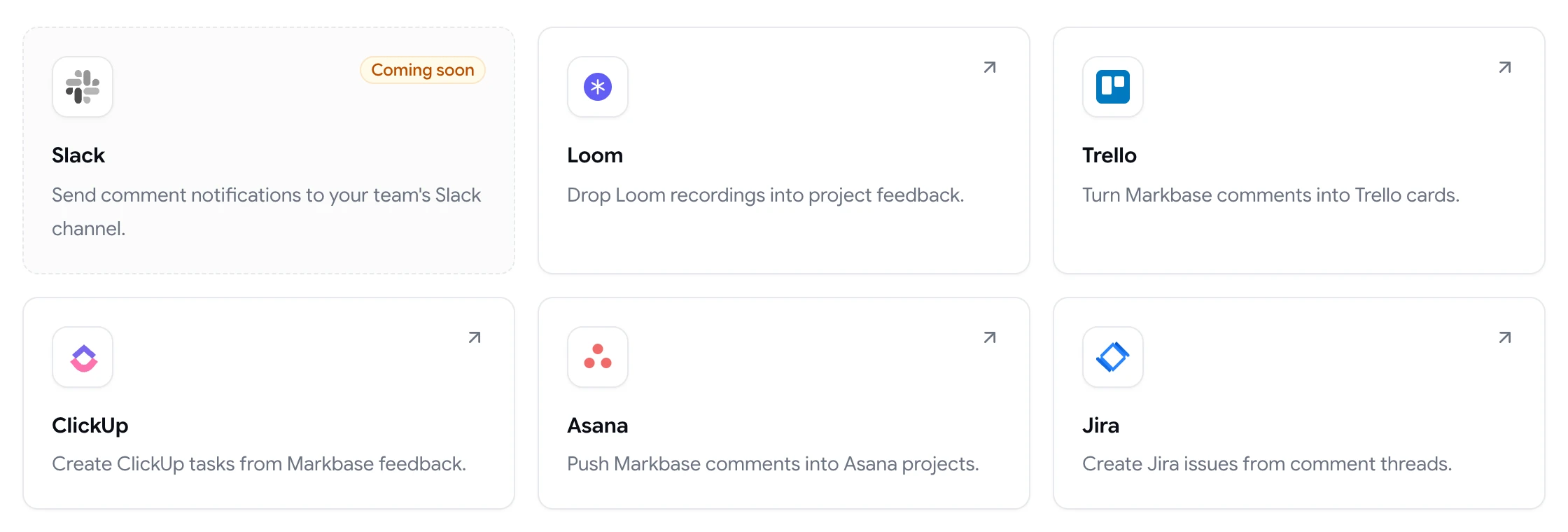
Integrations That Close the Loop
Attach Loom recordings and turn feedback into Jira issues, Asana tasks, ClickUp tasks or Trello cards in one click. Slack notifications are coming soon.
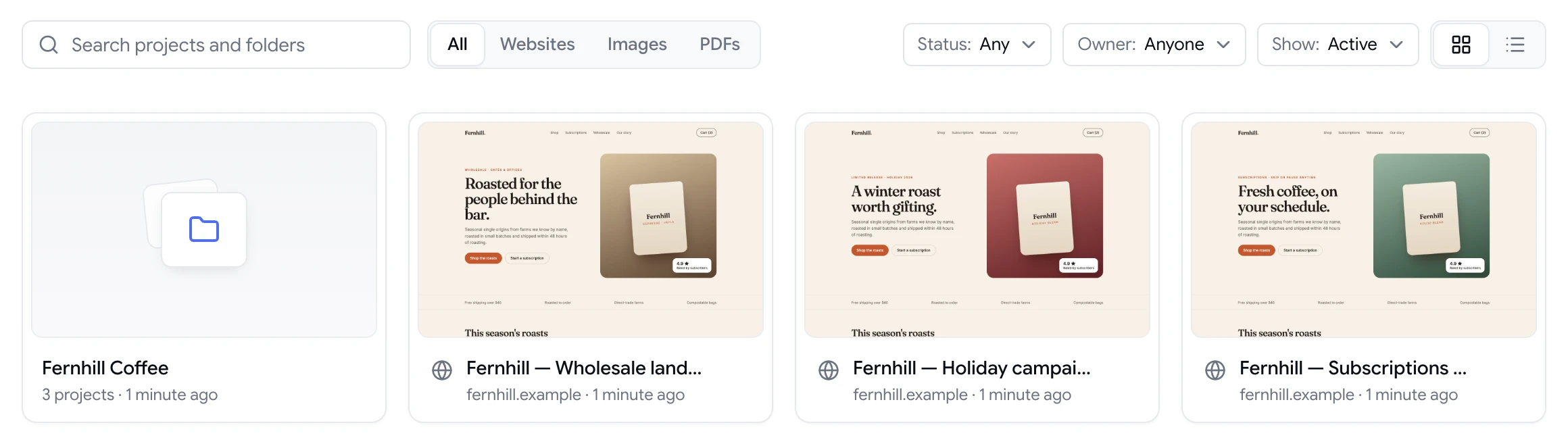
Every Project at a Glance
Websites, PDFs and images in one workspace, organised in folders, with a live preview of every project.
From Live URL to Resolved Feedback in Minutes
ClientTweak replaces screenshot threads and long feedback emails with comments pinned to the page, so every note shows exactly what it's about.
Add Your Project
Paste a live or staging URL, or upload a PDF or image. ClientTweak loads it with a comment layer on top. Nothing to install on your site.
Share a Review Link
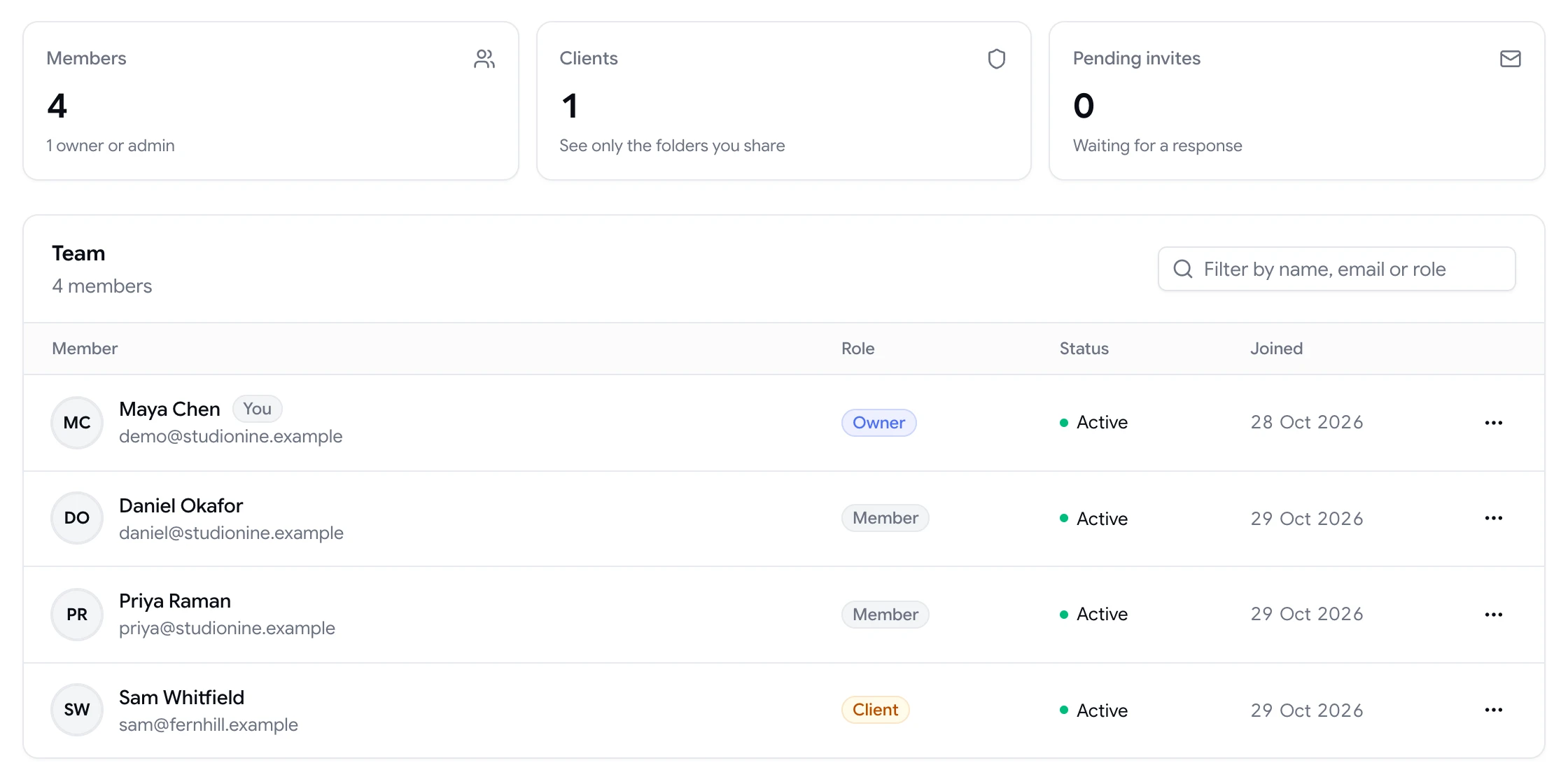
Invite teammates and clients to your workspace with the right role, or send a guest link. Add a password, or turn the link off and regenerate it whenever you like.
Collect Pinned Feedback
Reviewers click exactly what they mean. Each comment arrives with a screenshot and device details, and threads keep the discussion on the pin.
Resolve and Sync
Mention teammates, mark comments resolved, and push the rest to Jira, Asana, ClickUp or Trello so nothing slips through.
Feedback That Moves
Projects Forward
Fewer Revision Rounds
Comments point at the exact element, so the first fix is the right fix.
No Logins for Clients
Guests review from a link. No sign-up stands between you and approval.
Built for Agencies and Product Teams
Organise projects in folders and workspaces, and give clients only the access they need.
Private by Default
Password-protect review links, or turn them off and regenerate them at any time.
Built for Teams That
Review the Web
Get client sign-off on live pages without a single “which button did you mean?” email.
Agencies & Studios
Learn more
Designers review the real build, not a static mockup. Pins stay on the element as the layout changes across breakpoints, so polish feedback survives every deploy.
Design Teams
Learn more
Every bug report arrives pinned to the broken element, with a screenshot of what the tester saw and the viewport size, so fewer reports bounce back for more detail.
QA & Engineering
Learn more
Clients comment from a link. Nothing to install, nothing to learn.
Client Services
Learn more
Turn review notes into Jira, Asana, ClickUp or Trello tasks in one click.
Product Managers
Learn more
Simple Pricing That
Scales With Your Team
Every plan includes every feature. Choose the billing that suits you.
Everything included
- Unlimited projects, members & guests
- 50 GB storage per workspace
- Native PDF & image review
- Loom, Jira, Asana, ClickUp & Trello
- Archiving & comment pausing
Everything included
- Unlimited projects, members & guests
- 50 GB storage per workspace
- Native PDF & image review
- Loom, Jira, Asana, ClickUp & Trello
- Archiving & comment pausing
Everything included
- Unlimited projects, members & guests
- 50 GB storage per workspace
- Native PDF & image review
- Loom, Jira, Asana, ClickUp & Trello
- Archiving & comment pausing
Answers to Your Most Common Questions
Quick answers about how ClientTweak works, who can see your feedback, integrations, and billing.
Do my reviewers need to create an account?
No. Share a project's review link and clients comment as guests. Teammates you invite to your workspace get full accounts with mentions and notifications.
Does it work on staging sites?
Yes, as long as the URL is reachable on the internet. ClientTweak loads it through a reverse proxy and adds the comment layer on top, so staging and preview URLs work without installing anything. Pages behind a login form aren't supported yet.
Can I review PDFs and images too?
Yes. PDFs render natively with pins anchored to each page, and image projects work the same way.
Which integrations are supported?
Loom for screen recordings, plus Jira, Asana, ClickUp and Trello to turn feedback into tracked work. Each connects with a single OAuth click. Slack notifications are coming soon.
Can I cancel anytime?
Yes. Monthly and yearly plans can be managed or cancelled from the Billing page in your workspace. Lifetime is a one-time payment with no renewal.
Who can see the feedback on my projects?
Only your workspace members and the people you share a review link with. You can password-protect a link, or turn it off and regenerate it at any time.
Turn Every Review Into Shipped Work.
Collect pinned feedback from clients and teammates, and send it straight to the tools where the work gets done.
- Unlimited guest reviewers
- Nothing to install
- One flat price