Loom integration

Show the feedback instead of typing it

Connect Loom and add a screen recording to any comment. Reviewers and teammates press play right inside the comment, next to the pin it's about.

  • Embed recordings in comments
  • Plays inside ClientTweak
  • Connect with OAuth

ClientTweak + Loom

The problem

Some feedback is too much to type

  • A five-step interaction bug turns into a five-paragraph comment.
  • Animation and hover feedback is almost impossible to describe in words.
  • Loom links end up in email, separated from the page they're about.
  • Teammates have to switch tools just to watch a recording.
Highlights

Video where the feedback lives

The Loom integration adds recordings to your comments. It doesn't send events anywhere — it just puts the video next to the pin.

Embed recordings

Attach a Loom recording to a comment or reply when you're leaving feedback.

Plays in the comment

Recordings play inside ClientTweak, so nobody has to leave the review to watch them.

Next to the pin

The video sits with the comment on the exact element it's about, alongside any screenshot.

Works in threads

Reply with a recording of your own to show the fix or ask a follow-up question.

Validated links

ClientTweak only embeds genuine Loom recordings, and builds the player link itself for safety.

Revoke any time

Tokens are stored encrypted, and you can disconnect Loom from the Integrations page at any time.

When a video says it faster

Most feedback fits in a sentence: “make this heading bigger”. Some doesn't. A menu that flickers on hover, a checkout flow that breaks on the third step, an animation that feels off — these are hard to describe and easy to show.

With Loom connected, a reviewer can record the problem in Loom and add the recording to their ClientTweak comment. The video is embedded right in the comment, pinned to the element it's about, so whoever picks it up can watch it in context.

  • Great for interactions, animations and multi-step flows
  • Recording sits next to the pin it's about
  • Watch without leaving the review
A comment thread with replies, pinned to a button on the page

Recordings in comments, not in inboxes

Without an integration, Loom links get pasted into email or chat and lose track of the page they were about. In ClientTweak, the recording is part of the comment — with its pin, screenshot, replies, priority and status.

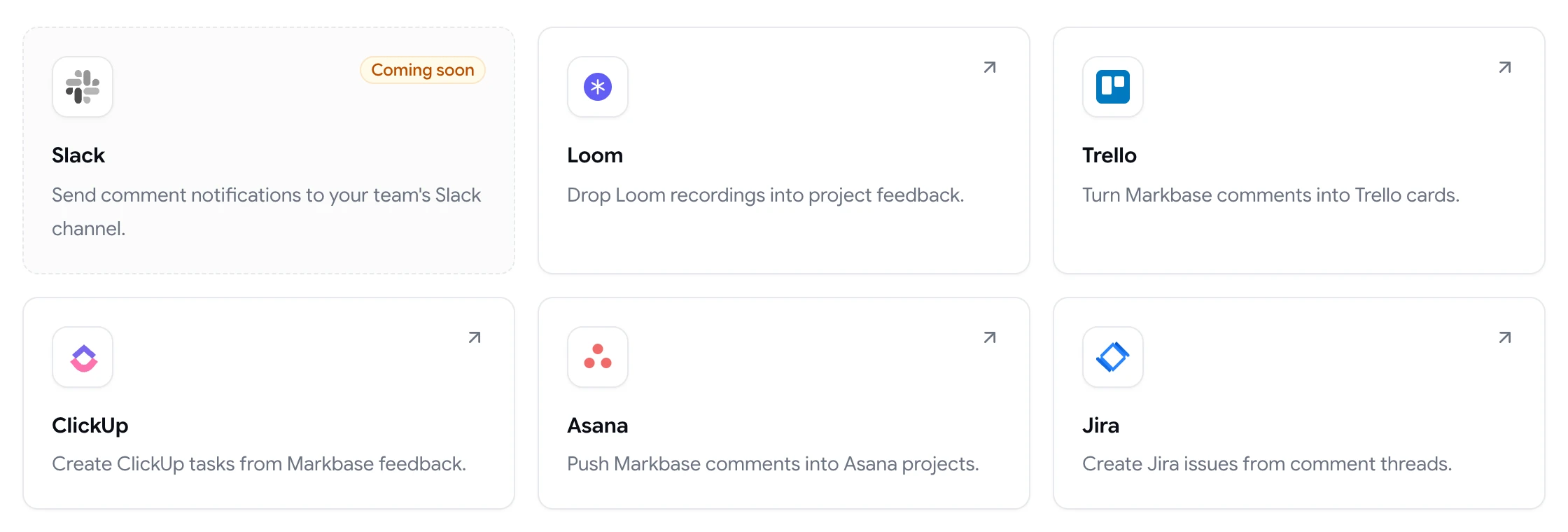
If you also send comments to Jira, Asana, ClickUp or Trello, the task links back to the ClientTweak comment, so the recording is one click away from the work.

  • Recording, screenshot and thread together
  • Linked from tasks sent to your tracker
  • Use it in replies to show a fix
ClientTweak integrations page listing Loom, Trello, ClickUp, Asana and Jira, with Slack coming soon

Good times to reach for a recording

Recordings are most useful when the problem only shows up over time or through interaction: a hover state that flickers, a form that loses what you typed, a carousel that skips a slide, or a page that jumps as it loads. A short clip of the problem happening saves several rounds of “can you describe exactly what you did?”.

They're just as helpful in the other direction. When a fix is in, a quick recording in a reply shows the reviewer the new behaviour, so they can sign it off without hunting for it themselves.

  • Interactions, animations and hover states
  • Multi-step flows like forms and checkout
  • Walking a reviewer through a finished fix
How it works

Add Loom to your reviews

  1. 1

    Open Integrations

    Go to Integrations in your workspace and choose Loom.

  2. 2

    Connect

    Click Connect and approve access through Loom's OAuth sign-in.

  3. 3

    Record in Loom

    Capture the problem or the fix as a Loom recording.

  4. 4

    Add it to a comment

    Attach the recording when you leave a comment or reply.

FAQ

Frequently asked questions

How do I add a Loom video to website feedback?

Connect Loom from the Integrations page in ClientTweak, then attach a Loom recording when you leave a comment or reply. The video is embedded in the comment and plays inside ClientTweak.

Can I record a Loom directly from ClientTweak?

Record in Loom as you normally would, then add the recording to your ClientTweak comment. ClientTweak embeds and plays it next to the pin.

Does the Loom integration send notifications or create tasks?

No. The Loom integration is for embedding recordings in comments. To turn comments into tasks, connect Jira, Asana, ClickUp or Trello.

Can guests watch Loom recordings in comments?

Yes. Anyone who can see the comment can play the embedded recording, including guest reviewers — as long as the recording's sharing settings in Loom allow it.

Is the Loom integration included in every plan?

Yes. Every ClientTweak plan includes every integration.

Can I disconnect Loom?

Yes. Disconnect from the Integrations page at any time. Tokens are stored encrypted and are removed when you disconnect.

Get started

Let your feedback press play.

Pinned comments with screen recordings, right where the problem is.

  • Unlimited guest reviewers
  • Nothing to install
  • One flat price