For QA teams

Visual bug reports developers can reproduce

Layout and content bugs are easy to see and hard to describe. ClientTweak lets testers click the broken element and report it with a screenshot, viewport size and priority, then sends it to your tracker.

  • Pinned to the element
  • Desktop, tablet and phone
  • Jira, Asana, ClickUp, Trello
ClientTweak review screen: a client's homepage with numbered comment pins and the comment list beside it
The problem

Visual bugs get lost between the tester and the developer

  • Writing reproduction steps for a spacing bug takes longer than finding it.
  • Screenshots get pasted into tickets with no URL or viewport size.
  • Developers close bugs as “can't reproduce” because the width was different.
  • Duplicate reports pile up because nobody can see what's already been logged.
  • Business testers won't use the bug tracker.
Highlights

Everything a visual bug report needs

The exact element

Click the broken element; the pin stores its selector so developers know what you mean.

Screenshot attached

Each report can include a screenshot of what you saw when you filed it.

Viewport and scroll

The viewport size and scroll position are saved with every comment.

Every breakpoint

Test at desktop, tablet and phone widths; comments stay with the layout they were left on.

Severity and owner

Set priority to low, medium or high, and assign the bug to a developer.

Into your tracker

New comments can create Jira issues, or Asana, ClickUp or Trello tasks.

File a bug in one click

Open the build in ClientTweak, switch to Comment mode and click the element that's wrong. Describe the issue, set priority and attach a file if you have one. ClientTweak saves the element, the page, the viewport size and scroll position, and can capture a screenshot of what you were seeing.

Every bug is numbered on the page, so anyone opening the project can see what's already been reported before filing a duplicate.

  • Element selector, page and viewport saved
  • Priority and assignee
  • File attachments on comments
A comment thread with replies, pinned to a button on the page

Test the layouts users actually see

Switch the preview to tablet and phone widths and run through the same checks. Bugs reported at phone width stay scoped to that width, so developers know which layout to fix.

Phone-width preview of a website inside ClientTweak

Close the loop with engineering

Connect Jira Cloud and new comments create issues in the project you choose, with the page URL, a screenshot link and a permalink back to the pin. When the fix ships, resolve the comment and verify it on the updated build.

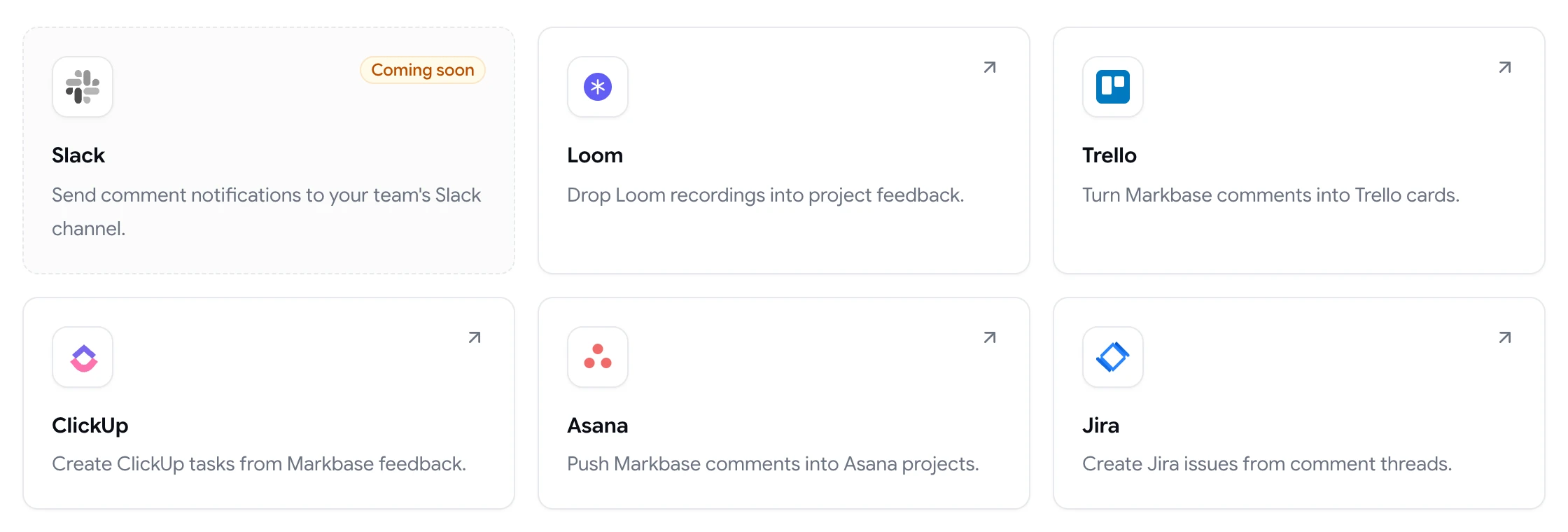
Asana, ClickUp and Trello are supported too, so the integration fits whichever tool your team uses.

ClientTweak integrations page listing Loom, Trello, ClickUp, Asana and Jira, with Slack coming soon

Bring more testers into the loop

Some of the most useful bug reports come from people outside the QA team: the client, the content editor, a product owner clicking through before a demo. They rarely have access to the bug tracker, and when they do, their reports are hard to act on.

With ClientTweak, anyone with the project link can report an issue by clicking on it. Their report has the same context as one from a professional tester, because the element, page, viewport and screenshot are captured automatically. You triage it alongside everything else and send it to your tracker.

Use priorities to separate severity, assign each bug to a developer, and filter the list to focus on what blocks the release.

  • Anyone can report from a link
  • Same context for every report
  • Triage in one list
How it works

A QA pass in ClientTweak

  1. 1

    Load the build

    Add the staging or release-candidate URL.

  2. 2

    Test each width

    Run your checklist at desktop, tablet and phone.

  3. 3

    Pin each bug

    Click, describe, prioritise and assign.

  4. 4

    Verify and resolve

    Recheck fixes and resolve the comments.

FAQ

Frequently asked questions

What makes a good visual bug report?

The page, the exact element, what you expected, what you saw, the screen width, and a screenshot. ClientTweak captures the element, page, viewport size and a screenshot automatically, so you only have to describe the problem.

Does ClientTweak capture browser and OS details?

No. It captures the viewport size and scroll position, plus a screenshot of the visible viewport. Note the browser in the comment if it matters.

Can bugs go straight into Jira?

Yes. Connect Jira Cloud and choose a project. New comments create issues with the page URL, screenshot link and a permalink back to ClientTweak.

Can non-technical testers report bugs?

Yes. They open a link and click the problem. No account, extension or tracker access needed.

Can we test responsive layouts?

Yes. Switch between desktop, tablet and phone widths in the review.

Does ClientTweak replace our bug tracker?

No. It's where visual bugs are reported and discussed on the page. Use the integrations to send them to the tracker your engineers work from.

Can testers attach extra files?

Yes. Comments support file attachments, so testers can add extra screenshots or documents to a report.

Can we track which bugs are fixed?

Yes. Resolve comments when fixes are verified. The Active and Resolved tabs show what's still open, and you can reopen a comment if the bug comes back.

Can we use ClientTweak for regression testing?

Yes. Review each release candidate as it reaches staging, and reopen resolved comments if an old bug reappears.

Get started

Start your next review today.

Pin feedback on live websites, PDFs and images, and turn it into work your team can track.

  • Unlimited guest reviewers
  • Nothing to install
  • One flat price