Slack integration

Slack notifications are on the way

We're building a Slack integration so new comments, replies and resolutions can appear in the channel your team already watches. It isn't available yet — here's what works today.

  • Not available yet
  • Email notifications today
  • Task integrations today

ClientTweak + SlackComing soon

Highlights

What's planned for Slack

This is what the integration is designed to do. We'll update this page when it's ready to connect.

Post to a channel

Choose a Slack channel and see new comments, replies and resolutions as they happen.

The essentials in each message

Each post is designed to include the comment text, the author and a direct link back to ClientTweak.

One-click disconnect

As with every ClientTweak integration, you'll be able to disconnect at any time.

What you can use today

While Slack is in the works, ClientTweak already keeps your team in the loop. Email notifications tell you when a new comment arrives on your projects, when you're mentioned and when a reviewer finishes a review. In-app notifications under the bell cover mentions, assignments, replies and resolutions, and each person chooses which ones they want.

If your team plans its work in a task tracker, connect Jira, Asana, ClickUp or Trello. New comments are created as issues, tasks or cards automatically, with a link back to the pin.

  • Email for new comments, mentions and finished reviews
  • In-app notifications for mentions, assignments, replies and resolutions
  • Jira, Asana, ClickUp and Trello integrations available now
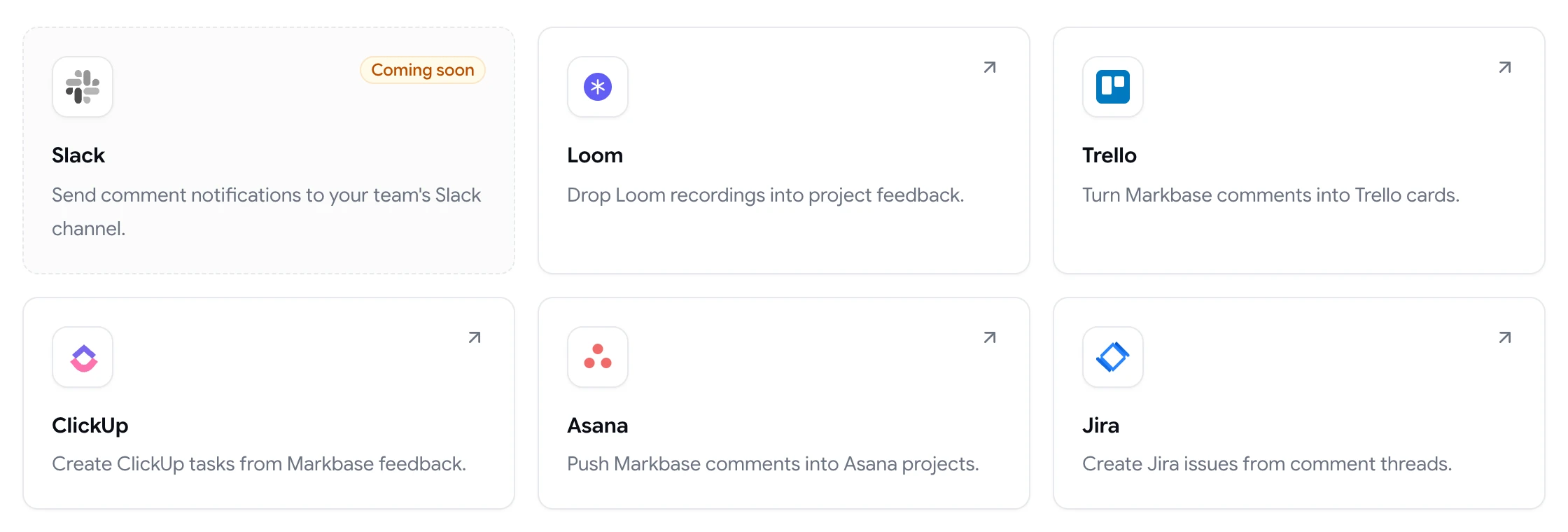
ClientTweak integrations page listing Loom, Trello, ClickUp, Asana and Jira, with Slack coming soon

Why chat isn't the place to keep feedback

Even when the Slack integration arrives, the comment itself will live in ClientTweak — pinned to the element, with its screenshot, replies and status. A Slack post is a heads-up that links back to it, not a replacement for it.

That's deliberate. Feedback that only lives in a chat thread is hard to find a week later and impossible to mark as done. Keeping the source of truth on the page means the channel stays a notification feed, not a to-do list.

  • Comments stay pinned to the page in ClientTweak
  • Status and replies stay in one place
  • Notifications point back to the comment
A comment thread with replies, pinned to a button on the page
FAQ

Frequently asked questions

Does ClientTweak integrate with Slack?

Not yet. A Slack integration is coming soon. Today you can use email and in-app notifications, or send comments to Jira, Asana, ClickUp or Trello.

How will I be notified of new comments without Slack?

ClientTweak emails you when new comments arrive on your projects, when you're mentioned and when a reviewer finishes a review. In-app notifications cover mentions, assignments, replies and resolutions.

What will the Slack integration do?

It's designed to post new comments, replies and resolutions to a Slack channel you choose, with the comment text, author and a link back to ClientTweak.

Does ClientTweak integrate with Microsoft Teams?

No, there's no Microsoft Teams integration. The integrations available today are Jira, Asana, ClickUp, Trello and Loom.

Can I turn ClientTweak comments into tasks instead?

Yes. Connect Jira, Asana, ClickUp or Trello and new comments are created as issues, tasks or cards automatically.

Get started

Start reviewing now, add Slack later.

Email notifications and task integrations work today. Slack is on the way.

  • Unlimited guest reviewers
  • Nothing to install
  • One flat price
