QA and bug reporting

Report website bugs by clicking them

The quickest bug report is one where the tester points at the problem. In ClientTweak, testers click the broken element, describe it, and the report arrives with a screenshot, the viewport size and a link back to the exact spot.

  • Click to report
  • Screenshot and viewport
  • Send to Jira
ClientTweak review screen: a client's homepage with numbered comment pins and the comment list beside it
The problem

Visual bugs cost more to report than to fix

  • Writing reproduction steps for a misaligned button.
  • Screenshots in tickets with no URL or screen size.
  • Bugs closed as “works on my machine” because the width was different.
  • The same bug filed by three testers in three places.
  • Stakeholders who find bugs but won't touch the tracker.
Highlights

Bug reports with the context built in

Click the bug

Testers click the element; the pin stores its selector and offset.

Screenshot

A screenshot of the visible viewport can be saved with each report.

Viewport and scroll

The viewport size and scroll position are attached to every comment.

Priority

Low, medium or high, so critical bugs are triaged first.

Attachments

Add extra screenshots or files to a report when one view isn't enough.

Tracker integrations

Create Jira issues or Asana, ClickUp and Trello tasks from new comments.

A bug report in the time it takes to notice it

Testers open the build in ClientTweak and switch to Comment mode. When something's wrong, they click it, describe the problem and set priority. ClientTweak records the element, page, viewport size and scroll position, and can capture a screenshot of what they were seeing.

Because every report is a numbered pin on the page, other testers can see what's already been logged before reporting it again.

  • No reproduction steps for visual bugs
  • Fewer duplicates
  • Anyone can report from a link
A comment thread with replies, pinned to a button on the page

Bugs go to the backlog automatically

Connect Jira Cloud and new comments create issues in the project you choose, including the page URL, a screenshot link and a permalink back to the pin. Asana, ClickUp and Trello work the same way. Failed deliveries are retried automatically.

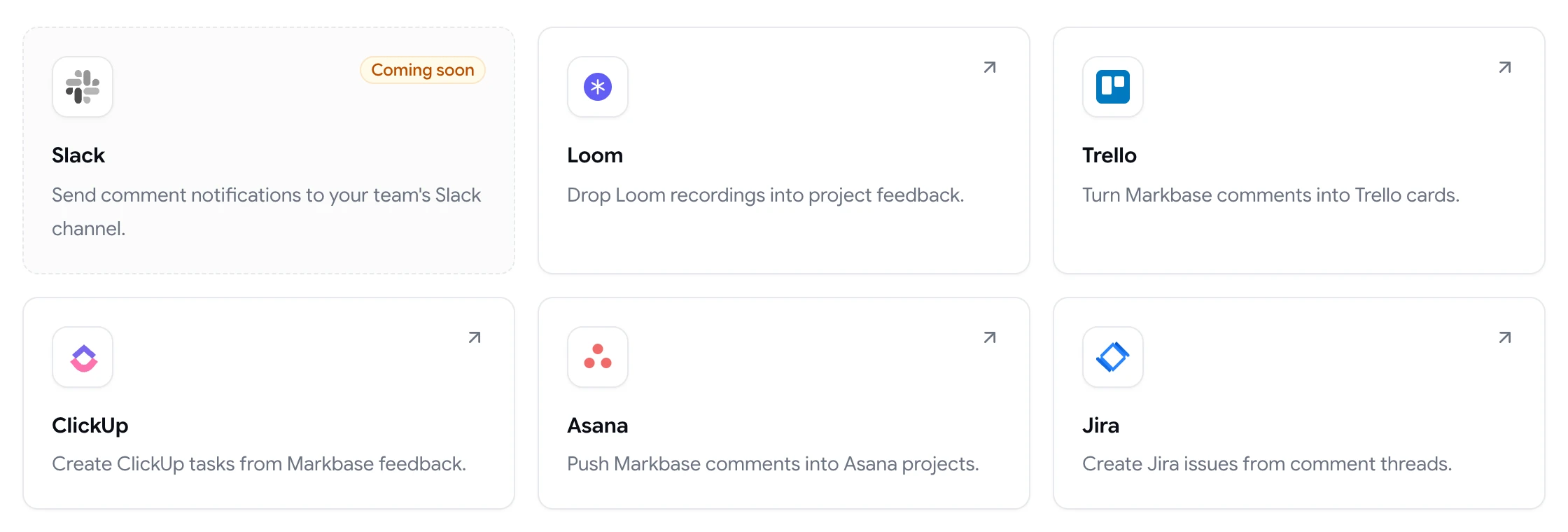
ClientTweak integrations page listing Loom, Trello, ClickUp, Asana and Jira, with Slack coming soon

Test every layout

Switch between desktop, tablet and phone and run the same checks at each width. Bugs reported at a width stay with that layout, so developers know exactly where to look.

When a fix is deployed, resolve the comment, or reopen it if the problem is still there.

Phone-width preview of a website inside ClientTweak

Writing a bug report that gets fixed

Even with the context captured automatically, the words still matter. A good report says what you expected, what happened instead, and how serious it is. “Button text overflows its container at phone width; expected it to wrap” is far more useful than “button broken”.

Keep one issue per comment, so each can be assigned, prioritised and resolved independently. If a bug only appears after an interaction, attach a file or a Loom recording that shows the steps. And mention the browser in the comment if you suspect it matters, since ClientTweak records the viewport but not the browser.

Before filing, glance at the existing pins on the page. If someone has already reported the issue, add a reply with anything new instead of creating a duplicate.

  • Expected vs. actual
  • One issue per comment
  • Note the browser if relevant
  • Check existing pins first
How it works

How QA teams use ClientTweak

  1. 1

    Load the build

    Add the staging or release-candidate URL.

  2. 2

    Test and pin

    Click each bug, describe it and set priority.

  3. 3

    Sync to the tracker

    Issues are created in Jira or your tool.

  4. 4

    Verify the fix

    Recheck and resolve, or reopen.

FAQ

Frequently asked questions

How do I report a bug on a website?

Note the page, the element, what you expected, what happened and your screen size, and include a screenshot. In ClientTweak you click the element and describe the problem; the page, element, viewport size and screenshot are captured for you.

Does ClientTweak capture console errors?

No. ClientTweak is for visual and content bugs: it captures the element, page, viewport and a screenshot.

Does it record browser and operating system?

No. Viewport size and scroll position are recorded. Add the browser in the comment if it's relevant.

Can bug reports go to Jira automatically?

Yes. New comments can create Jira issues in a project you choose. Asana, ClickUp and Trello are also supported.

Can people outside the QA team report bugs?

Yes. Share the project link and anyone can report as a guest, with no account.

Can I mark a bug as critical?

Use high priority for critical bugs and filter the comment list to show them first.

Can I see which bugs are still open?

Yes. The Active tab lists every unresolved comment, and you can filter and sort to focus on high-priority bugs.

Can bugs be assigned to developers?

Yes. Assign each comment to a workspace member, who gets an in-app notification.

Get started

Start your next review today.

Pin feedback on live websites, PDFs and images, and turn it into work your team can track.

  • Unlimited guest reviewers
  • Nothing to install
  • One flat price